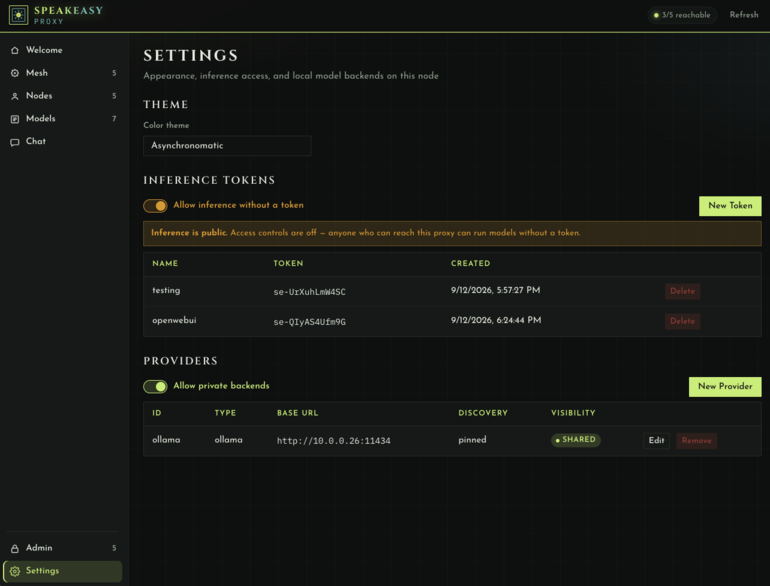
Dashboard
Welcome, Mesh, Nodes, Models, Chat, Admin, and Settings. Default listen serves the UI at /.
On this page
The static UI lives in web/ and is served at http://<listen>/ (also /ui/ and /ui). Once Speakeasy is running, that is typically http://127.0.0.1:4080.
Themes: Deco, Clean, Cyber, and Dark. Settings switches theme on this node only.
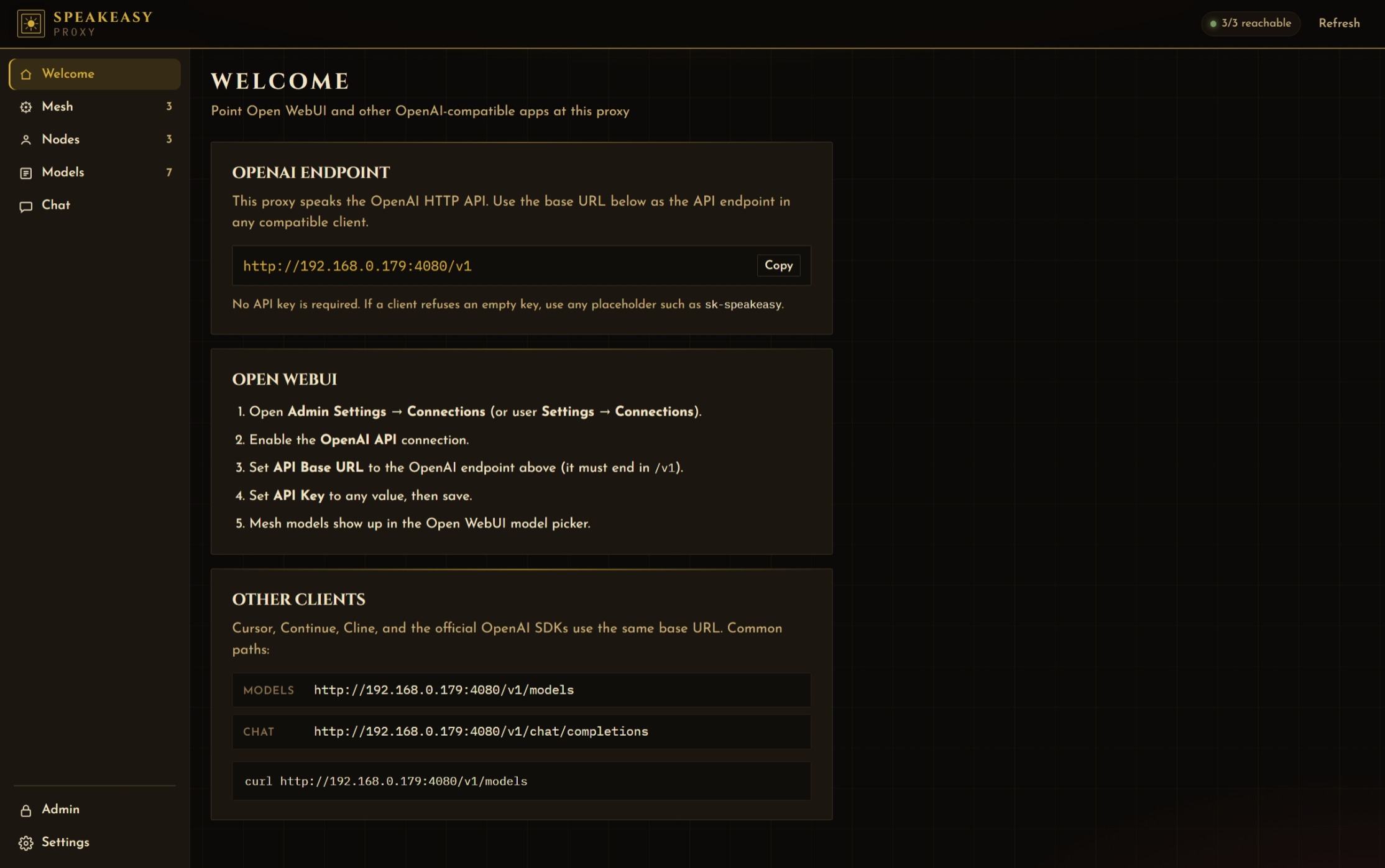
Welcome
Copy-paste OpenAI base URL for this proxy, Open WebUI steps, and a curl snippet. Warns when you are on localhost so Docker / LAN clients do not use 127.0.0.1.
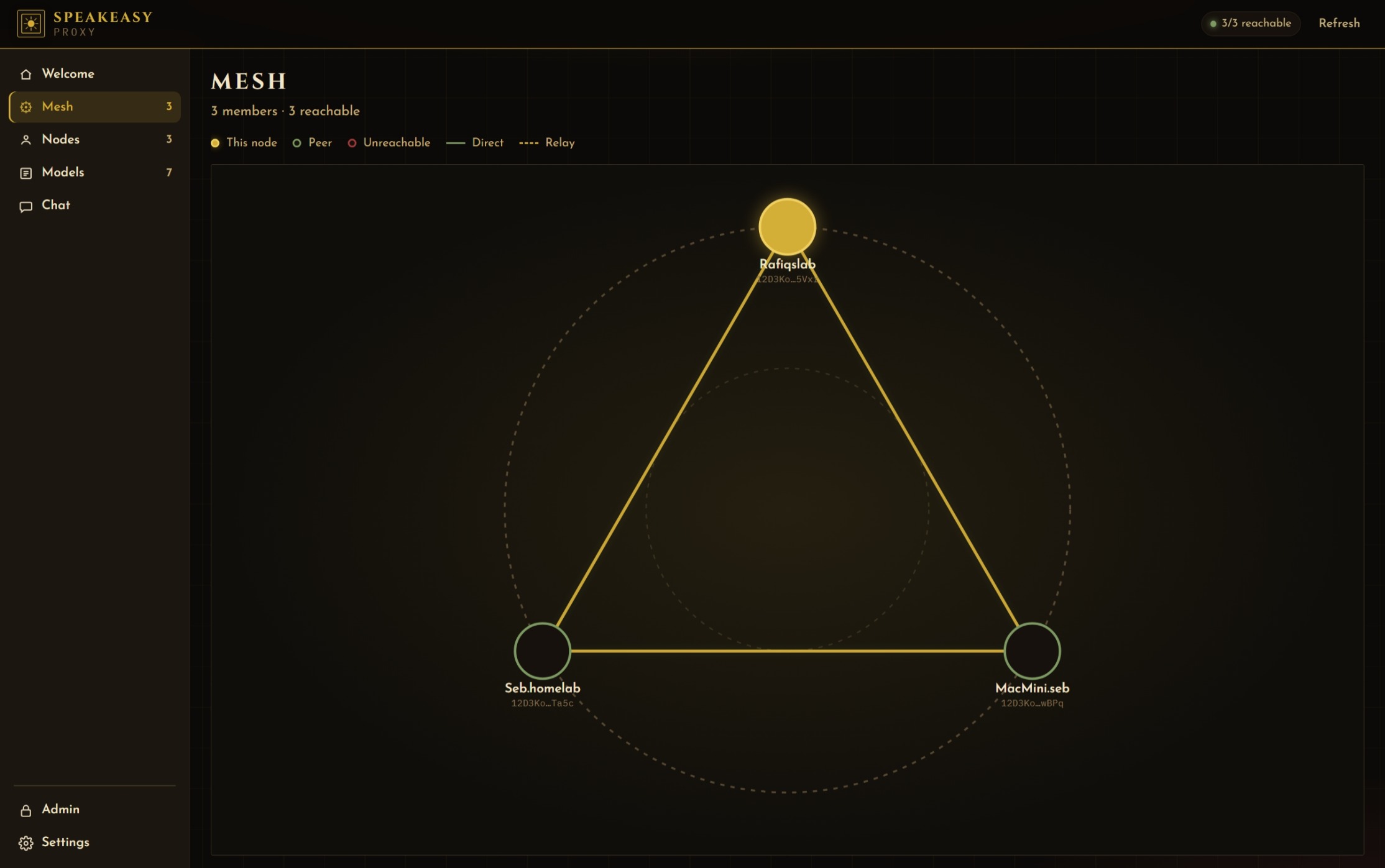
Mesh
Graph of members. Solid links are direct; dashed links go through the relay. Click a node for a side card of models on that peer.
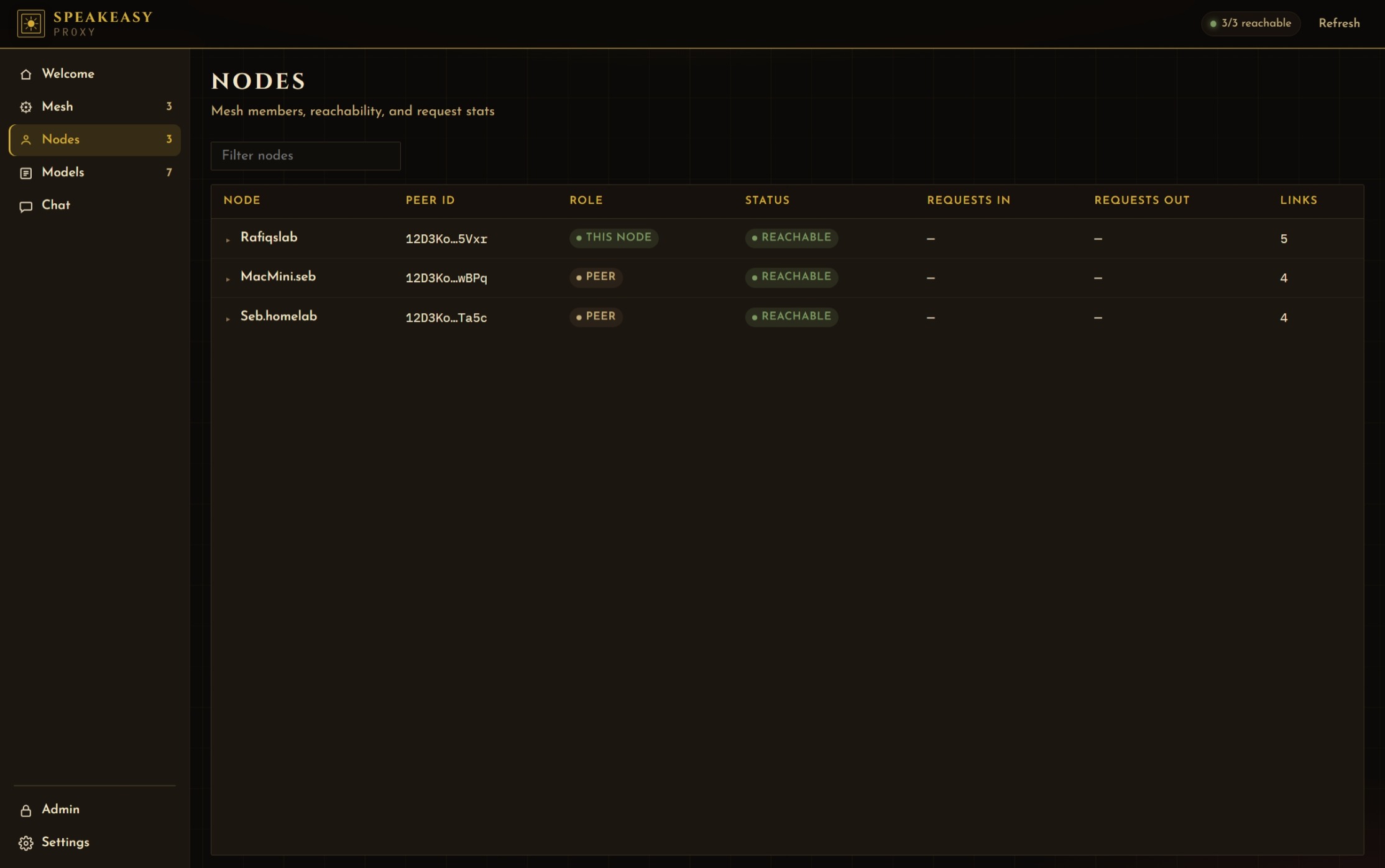
Nodes
Table of members: name, peer ID, role, reachability, advertised models, links. Expand a row for addresses and connections.
Models
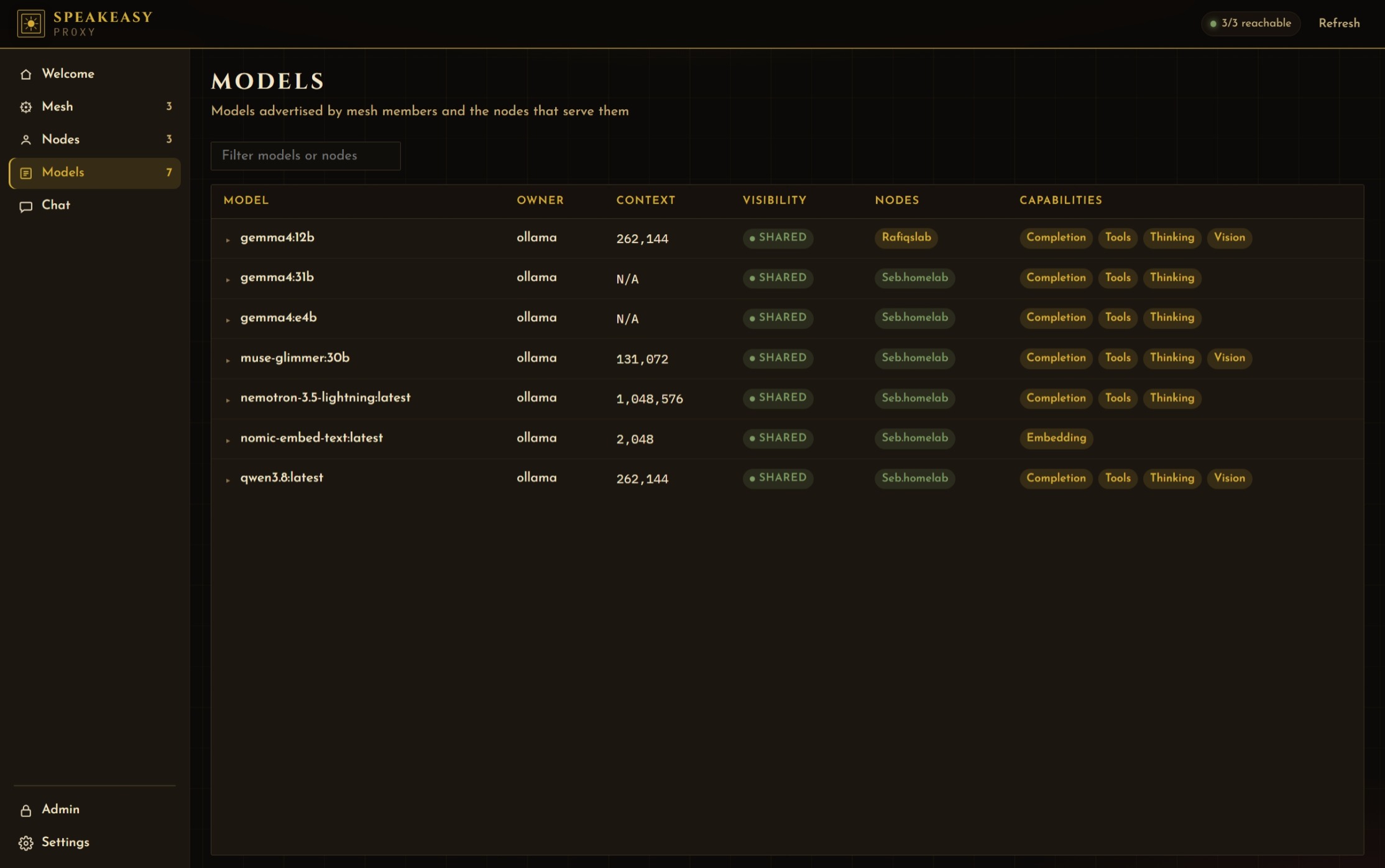
Every advertised model, owner, context, visibility, providing nodes, and capabilities. Expand in place for identity and specs.
Chat
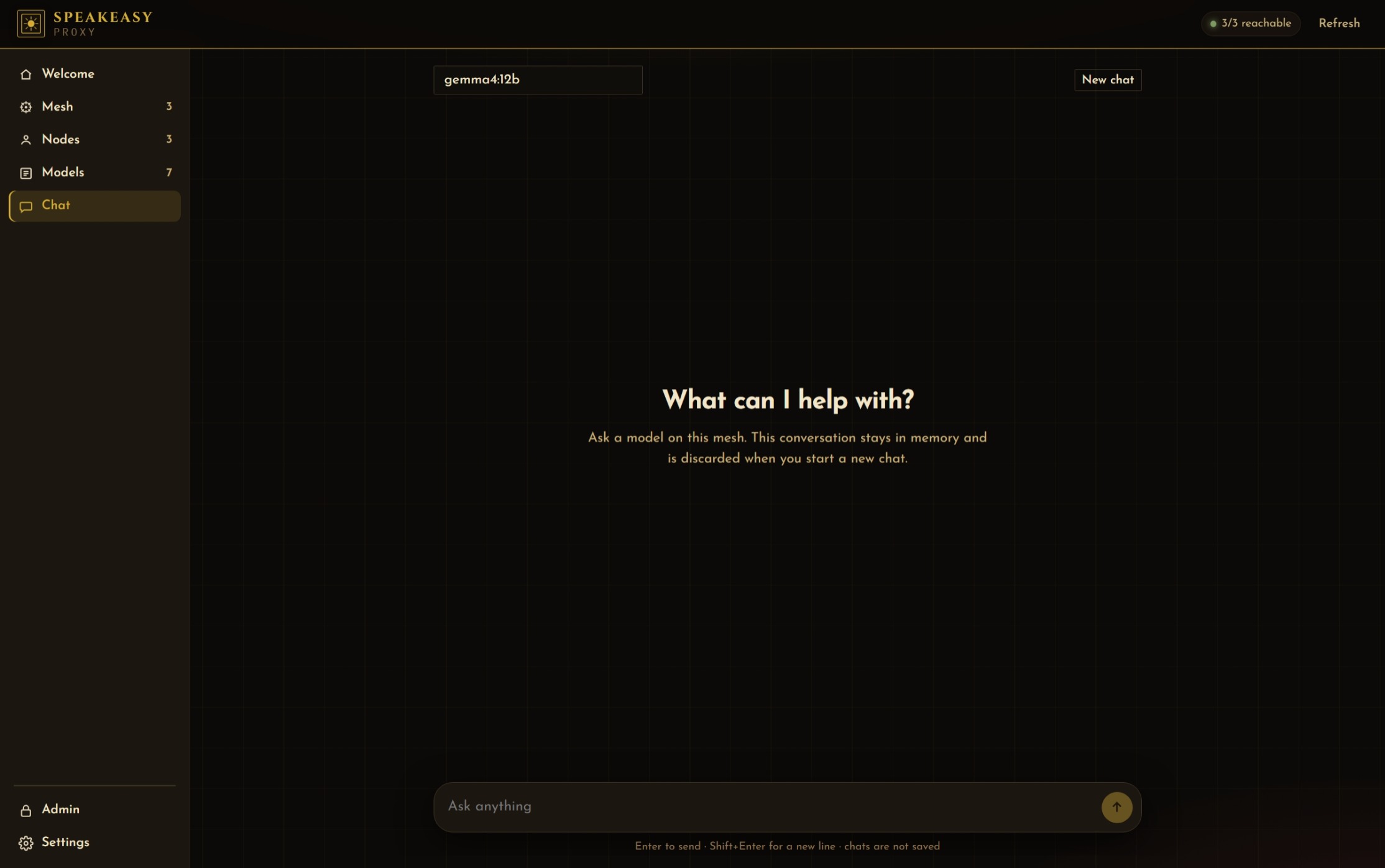
Pick a mesh model and talk. Chats are not saved. The UI warns when the selected model is served by another node (your prompt leaves this machine over the mesh).
Admin
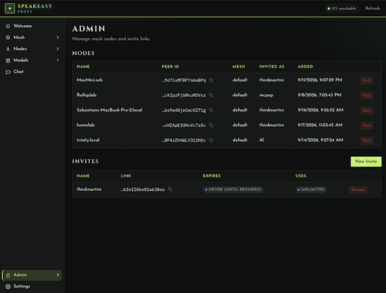
If this process is not the admin controller, enter the admin secret to manage nodes and invites. Create invite links with optional name, lifetime, and one-time use. See Admin setup .
Settings
Theme selector and local providers: add/edit Ollama (and listed) backends, discovery mode, private flag, and a model whitelist table.